Only hit the registration button if you meet these requirements:
- Be a Ugandan resident. You must be physically in Uganda and reside in the country to become a Sportybet account holder.
- 25 or over. Underage gambling isn’t tolerated in Uganda, making it obligatory to register with Sportybet to help verify your age.
- No multiple accounts. You can only sign up if you have not done it previously, as Sportybet doesn’t allow any customer to have multiple accounts.
General Registration Process
The operator has streamlined the registration process to let you create a Sportybet account in no time and start betting. You need roughly under 4 minutes to complete it. Here’s an easy general guide on how to register on the desktop version.
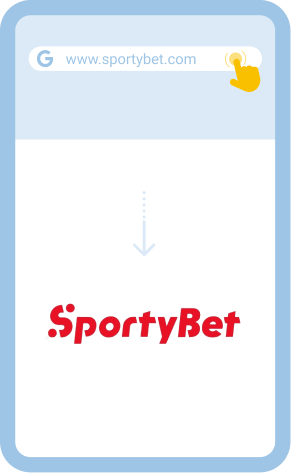
- Step 1. Visit the website. Open the official website of Sportybet using a compatible web browser. Safari, Chrome, and Firefox are examples of supported browsers.
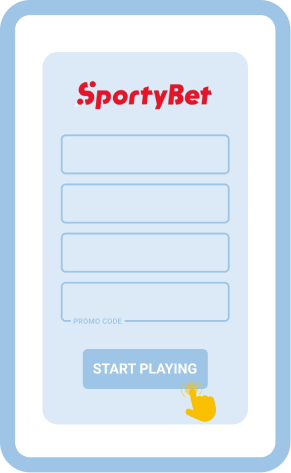
- Step 2. Hit the “Register” button. Find the Register button in the upper right section of your screen and click on it to display a registration form.
- Step 3. Provide the required data. Fill out the form with a valid Ugandan phone number and set a password. Next, double-check the info and hit the “Submit” button.
- Step 4. Fund your account and start betting. Deposit enough money into your newly created account and start placing wagers on your favourite sports events.
Remember to use actual data during registration – you’ll have to prove it later when withdrawing funds.
Registration Through Android/iOS Mobile App
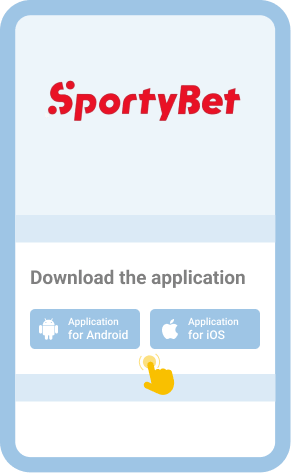
Signing up on the Sportybet mobile app is a breeze for both experienced bettors and beginners. The app is available for Android and iOS users. With it installed on your mobile device, you can bet anywhere, anytime. Download links for the two app versions are available on the official site.
| Parameter | System Requirements |
| OS compatibility | Android 7.0 and iOS 15.0 |
| Operational memory | 1GB RAM needed |
| Required storage capacity | 250MB of free space or more |
| Online connection requirement | Best performance with 4G/5G Internet connection |
The next guide will help you register on the application single-handedly. Users with Android smartphones or tablets are advised to start by changing their device settings to allow installations from unknown sources.
Access the official website of Sportybet using our link that will take you to the platform in your mobile browser, like Safari, Opera Mini, Chrome, etc.

Locate the “Register” button, tap on it and keenly fill out the registration form that will be displayed on your screen.

Go to “More” and scroll down the page until you see “Download App.” Open the link and download the Sportbet app for your device.

The last thing you need to do after downloading the app successfully is install it on your mobile device.

Sportbet has a mobile site for those who may not want install the dedicated app on their handheld devices. You can access it using the aforementioned mobile browsers or any other supported alternative.
Spotybet Sign-Up Bonuses for Uganda
Sports betting fans residing in Uganda enjoy some goodies at Sportybet. The operator keeps updating the promotions page with perks for both new and existing customers. So, you can keep an eye on the page so you don’t miss out on exciting offers. More importantly, ensure you understand the rules a given bonus is tied to before claiming it.
Spotybet Registration Common Problems & Solutions
Encountering issues while trying to create your Sportybet account shouldn’t be a nail-biting experience. Registration problems can be either technical or due to human errors. The following table contains common Sportybet registration problems and the potential solutions.
Registration fails
The platform is intuitive and will throw an error showing why your registration attempt was unsuccessful. Do as guided in the error message to resolve the issue.
No verification code
Check if you entered your phone number correctly. If the number is correct and working, wait for a few minutes to receive the code. Try later if the problem persists.
User already exists
Reset the password to your old account and try to log in. Seek help from the support team if you still can’t access your account. Don’t create a new one.
Registration page/app crashes
Clear your browser cache. You can also open the site using a different browser. Update the app or install a new copy.
Contacting customer support is the last resort if the problems persist. You can do so using the following contact channels:
- Email: [email protected]
- Live chat: Available on the site and app
- Social: Facebook and X
FAQ
Sportybet takes customer security seriously. The site uses the latest Secure Socket Layer (SSL) data encryption, making the transmission of info to and from the platform protected. As a result, your personal and financial details remain safeguarded all the time.
Signing up for an account is a regulatory and legal requirement that online bookmakers have to comply with. Besides, having an account facilitates the tracking of your bets, payments, winnings, etc. Therefore, you need an account to bet at Sportybet.
Creating multiple accounts on the Sportybet platform is illegal. You only need to register once to access the company’s services via the desktop website, the mobile site, or the app. Use the same login credentials across the three platforms.