Fortebet Online Login
Accessing your Fortebet account is hassle-free if you have a stable internet connection. Besides, you can log in to your account using different devices, including a smartphone, a tablet, a desktop computer, a laptop.
How to Sign In to Fortebet Account Through Website
This is the easiest way of signing in to your Fortebet account using any supported device. Below is a step-by-step guide to logging in through the desktop site.
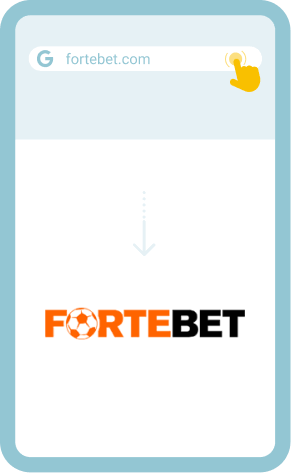
- Step 1. Go to the website: Open the official website of Fortebet in a compatible web browser.
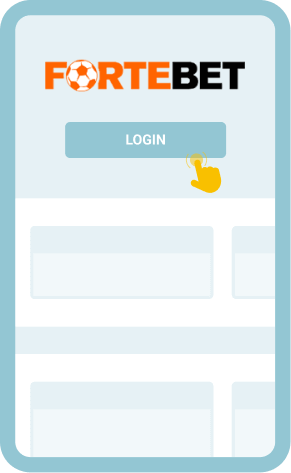
- Step 2. Click on the “Login” button: Locate the login button and click on it.
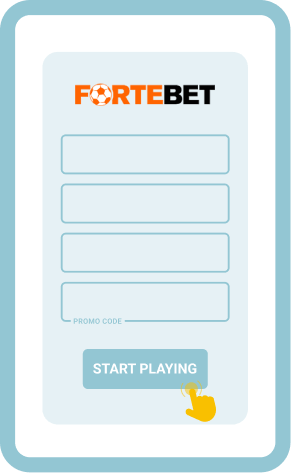
- Step 3. Enter login credentials: Accurately key in your username and password in the login form.
- Step 4. Complete the login process: Click on the “Login” button and the site will log you in.
How to Sign In to Fortebet Account Through Mobile Site
The Fortebet Uganda website is fully optimised for mobile devices. It is designed to work smoothly on both Android and iOS handheld devices and is compatible with many mobile browsers like Safari, Opera Mini, Chrome, etc.
Follow this guide to sign in to your account via the mobile site.
Open the official website of Fortebet Uganda in your mobile browser.

Go the Login button and tap on it to open a login form.

Enter your username and password in the form.

Lastly, tap on the “Login” button to complete the sign-in process.
As you may notice, the procedure for logging in via the desktop version and the mobile site is the same.
Common Login Issues at Fortebet Uganda
Login issues occasionally occur even with the most user-oriented betting platforms. Knowing common sign-in problems and how to address them goes a long way in ensuring seamless access to your betting account.
The following table highlights some of the login issues at Fortebet Uganda and their respective solutions.
| Problem | How to resolve it |
| Forgot password | Reset your password by clicking on “Lost password?” on the login screen. Enter your registered phone number in the password reset form and follow the prompts that’ll be displayed on your screen. |
| Login page won’t load | Update your browser to the latest version or try a different one. You can also clear your browser’s cache and check whether your internet connection is stable. The hosting server could also be experiencing downtime. So, you can try logging in later. |
| App crashes | Free up space on your mobile device. If that doesn’t work, download the latest app updates. If that doesn’t solve the issue, uninstall the app and install a fresh copy. |
| Account lockout | Too many unsuccessful attempts to log in to your account may lead to an account lockout problem. Contact the support team to unlock the account for you. If asked questions before unlocking it, ensure you answer them correctly. |
Getting In Touch With Customer Service
There’s a responsive customer support team at Fortebet Uganda. In addition, there are different ways to seek assistance. So, consider contacting them for help should problems persist. Here are the support contact channels you can use:
- Toll free lines: 0800 202 202, 0800 303 303
- Email: [email protected]
- WhatsApp: +256 776 500 501