

22bet is a very popular betting site among Ugandan bettors for providing them with a wide range of betting options in pre-match betting, live betting, and eSports betting and casinos games across diverse genres. The high popularity is also due to superb customer support services, competitive odds, fast processing of payments through different methods, speed of making bets, and juicy bonuses.

But you must log into your account at the gaming platform in order to enjoy these benefits. Fortunately, you won’t struggle doing that as we have explained everything you need to know about the login process in this article.

22bet Online Login

You can sign into your 22bet account as long as you are connected to the internet via data bundles or a Wi-Fi and you have either a personal computer or a mobile device that can connect to the internet. In this case, you can log in through different platforms.

How to Sign In to 22bet Account Through Website

You can log into your account at 22bet via the website using either a desktop browser or a mobile browser. This is because the website is designed to work on all major browsers without any hitches.

The steps you will follow in this instance encompass:

  • Step 1: Go to the official website of 22bet via a trustworthy link. Use our reliable link to 22bet to dodge any fake copy that might be available on the internet.
  • Step 2: Press the “LOG IN” button. You will find this button at the upper right-hand corner of homepage and you should click it to open the login window.
  • Step 3: Choose your preferred login method. You can sign in using a phone number, email, ID, or a social media account. Of course, depending on the option you used to join the gambling site.
  • Step 4: Fill out the login window and sign in. Enter the required information in the login window and then press “LOG IN” button to be logged into your account.

This whole process should take only a few seconds to complete.

How to Sign In to 22bet Account Through Mobile App

22bet has a downloadable mobile for Android and iOS-powered mobile devices you can use to log into your account at the betting site. You just need to follow the simple steps demonstrated hereunder.

1
Access the mobile site of 22bet

Follow the link on our website to open that of 22bet on your mobile browser.
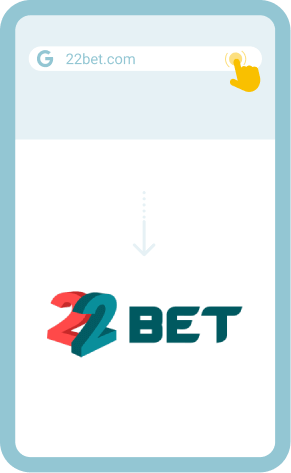
Access the mobile site of 22bet

2
Click “Install” button

You will see the app at the footer of the site and then click “Install” followed by “Download” button in the window that will pop up.
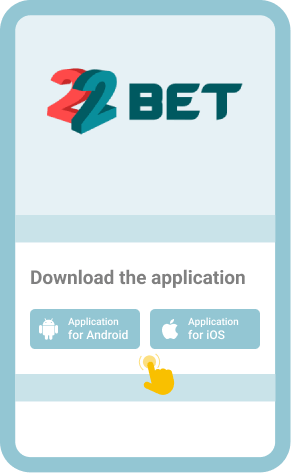
Click “Install” button

3
Install the app

Open the downloaded file and press “Install” button to install the application on your device.
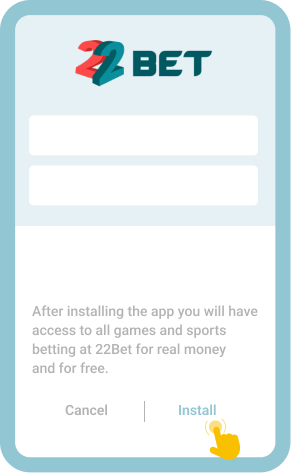
Install the app

4
Log into your account

Launch the mobile app and proceed to sign into your account using your login details.
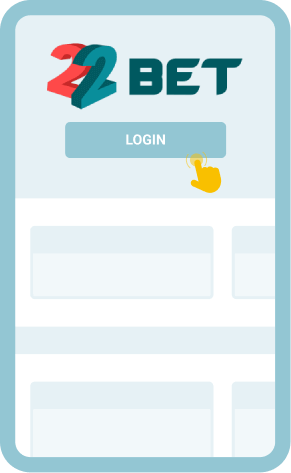
Log into your account

It’s worth noting that you must have a stable and sturdy internet connection to log in through the app.

Welcome Bonus
100% up to 1 120 000 UGX
30 FS

Common Login Issues at 22bet Uganda

You might encounter some difficulties when trying to log into your account at 22bet. But that shouldn’t be a great concern because there is a solution to each login issue as demonstrated in the table below.

Problem How to resolve it
Login page is taking too long to load

You should ensure you have a strong and stable internet connection to avoid this problem.

This issue can also be caused by a high number of users trying to login at the same time; so, you should try to login after some minutes.

Forgot password You should “Forgot your password?” in the login window to be taken to the page where you will reset your password. You can choose to get the password reset code via your email address or phone number.
Account temporarily locked You will resolve this issue by creating a new password following the procedure explained in the “Forgot password” section as it’s caused by too many failed login attempts.
Mobile app keeps crashing You should restart your mobile device, clear cached data in the app, create more storage space on your device by deleting some apps, update the app if there’s a new version, and close background data.

Understanding these problems and how to bypass them beforehand will ensure uninterrupted access to your gaming account at all times.

Getting in Touch with Customer Service

If the solutions provided in the table above are not helpful, you should reach out to customer support staff for more assistance.

You can contact them either via live chat, email ([email protected]), or phone (+256761114592 for both calls and WhatsApp). All the communication channels remain open 24/7, and thus, you will always find a customer care rep to assist you. 

FAQ

Can I log into my 22bet account if I haven’t logged in for 3 months?
No. You won’t access your account at the betting site because 22bet automatically blocks all accounts that have been inactive for at least 3 months.
Can my account at 22bet be hacked if I log in using a public Wi-Fi?
No. 22bet employs sophisticated security measures, like the latest data encryption technology and firewalls, to prevent bettors’ accounts from being accessed by cyber criminals.
Can I use biometrics to sign into my account at 22bet?
Yes. But you need to install their mobile app on your mobile gadget and then set up biometrics as one of the login options you can use.